

Monday mornings for haunters usually fall into two categories: the exhausted blur of a mid-season recovery or the eerie silence of the off-season.
If you’re reading this in the middle of winter, you might be focused on set builds or costume repairs rather than weekly spreadsheets. But the most successful haunt owners, the ones who see scary good growth year after year, know that data shouldn’t stay buried in a shallow grave.
Whether you’re currently running a “My Bloody Valentine” event or you’re prepping for your biggest October yet, these are the reports you need to bookmark. By spending just 20 minutes every Monday in your HauntPay admin panel, you can stop guessing and start growing your scream team.
Note for the Off-Season: Not running a show right now? Bookmark this post! When your tickets finally go on sale this fall, these five reports will be your survival guide for the 2026 season.
1. The Sales Velocity Report
- What It is: A snapshot of your ticket sales over the last seven days compared to the week prior.
- Why It Matters: This is your haunt’s pulse. Sales velocity tells you if your momentum is building or if your marketing has gone ghost. If you notice a spike every Tuesday after your “Terror Tuesday” social media posts, you’ve found your ideal buying window.
- How to Run It: Use the “Purchased Date” filters in your Tickets Report to isolate the last seven days and compare the “Total Net Sales” to the previous period.
- Pro Tip: If velocity is dipping, Monday is the perfect day to announce a “Flash Scare” Sale or a “Price Increase Warning” to create urgency for the coming weekend.

2. The Merch & “Death-on-Arrival” Audit
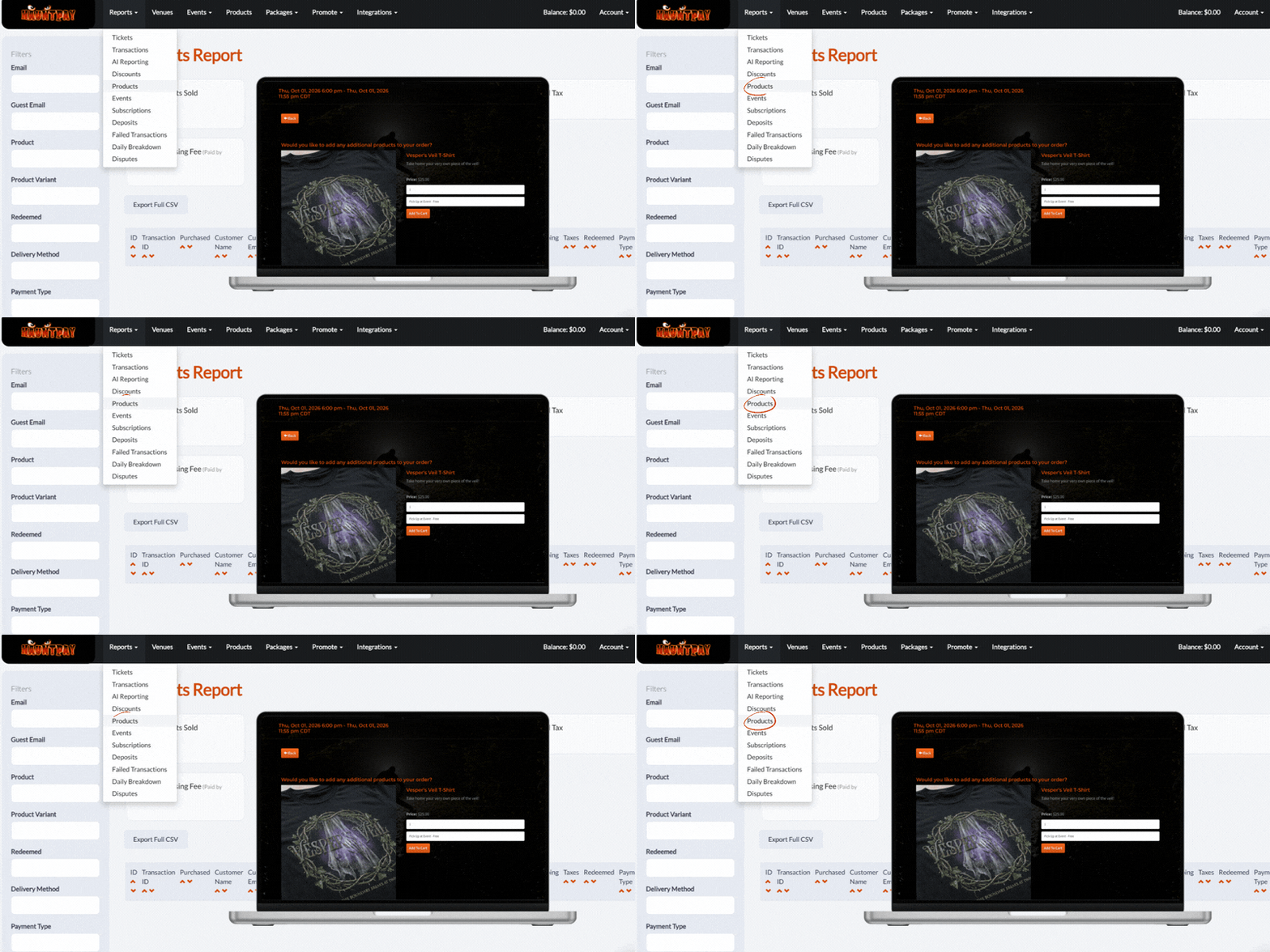
- What It is: A breakdown of all non-ticket items—like hoodies, VIP coffin upgrades, and pre-sold concessions—sold through your online portal.
- Why It Matters: HauntPay is an all-in-one platform for a reason: your revenue shouldn’t stop at the ticket. This report shows you which “extras” your fans actually crave. Are they buying the “Glow-in-the-Dark” shirts? Are they pre-purchasing fast-pass upgrades?
- How to Run It: Check your Product Report to see which items are trending.
- Pro Tip: If a specific t-shirt design is flying off the virtual shelves, make sure you have extra physical stock ready for your at-the-door mobile box office this weekend. Don’t be caught with a skeleton crew of inventory!
3. The Victim… Er, Visitor Source Tracker
- What It is: A report identifying exactly where your buyers are coming from—whether it’s a Facebook ad, a Haunt Directory, or a local partner’s website.
- Why It Matters: Marketing budgets are precious, and you shouldn’t be “bleeding” money on platforms that don’t convert. By tracking your sources, you can see which “influencer” is actually driving bodies to the gate and which social platform is just providing “likes” without sales.
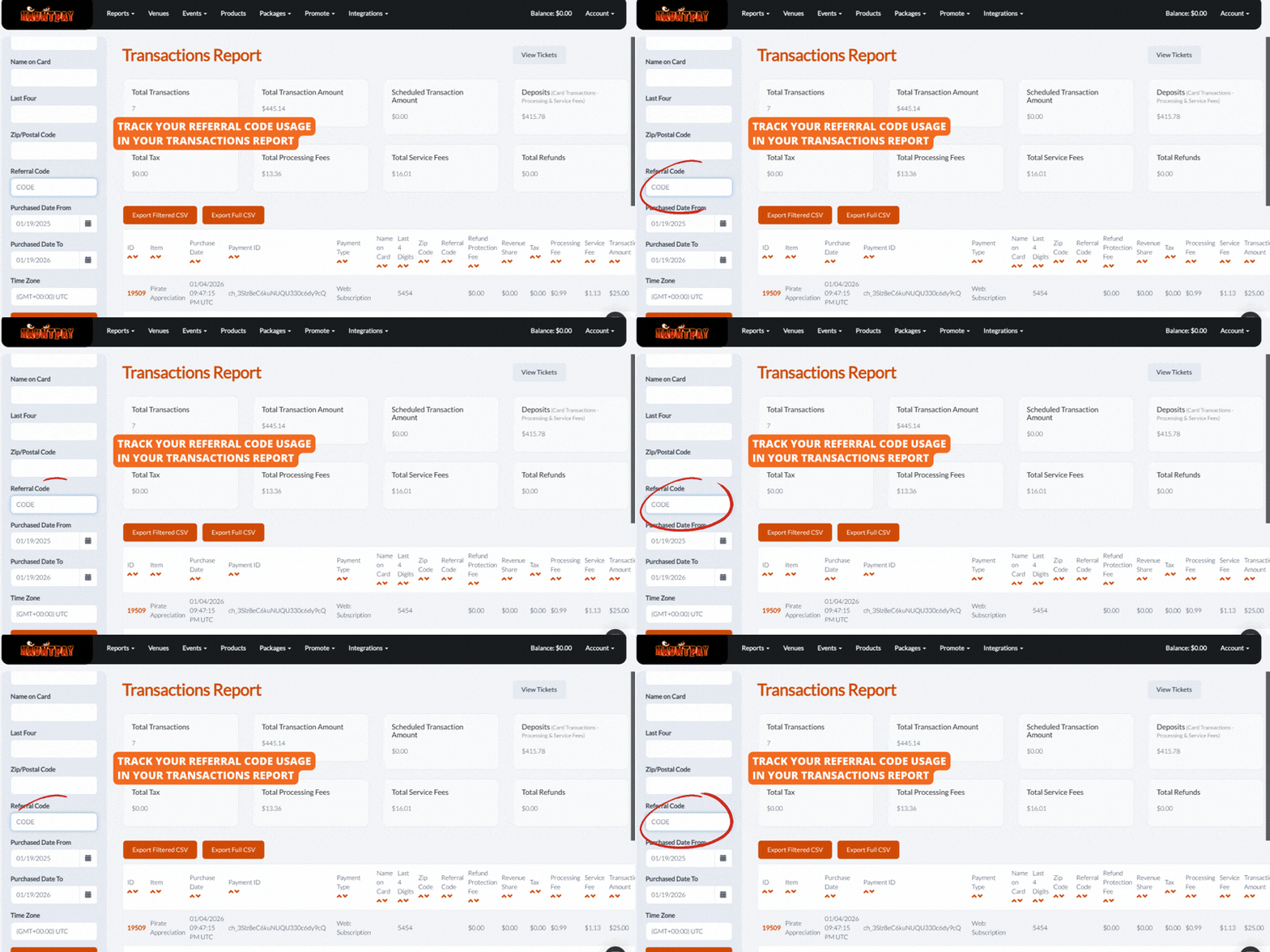
- How to Run It: First, make sure you’ve set up referral code links using our Referral Link Builder. Then, simply run a Transactions Report and filter by those specific codes.
- Pro Tip: If 60% of your sales are coming from email marketing, consider shifting some of your Friday ad spend into a secondary Monday morning “Monday Nightmares” reminder email.
4. Discount Code ROI (Return on Investment)
- What It is: A summary of how many times your active promo codes (like SCAREME20 or BLOODMONEY) have been used.
- Why It Matters: Discount codes are a great lure, but they can eat your margins alive if not monitored. On Monday, evaluate if your promos are doing their job—driving volume—or if they’ve reached a point of diminishing returns.
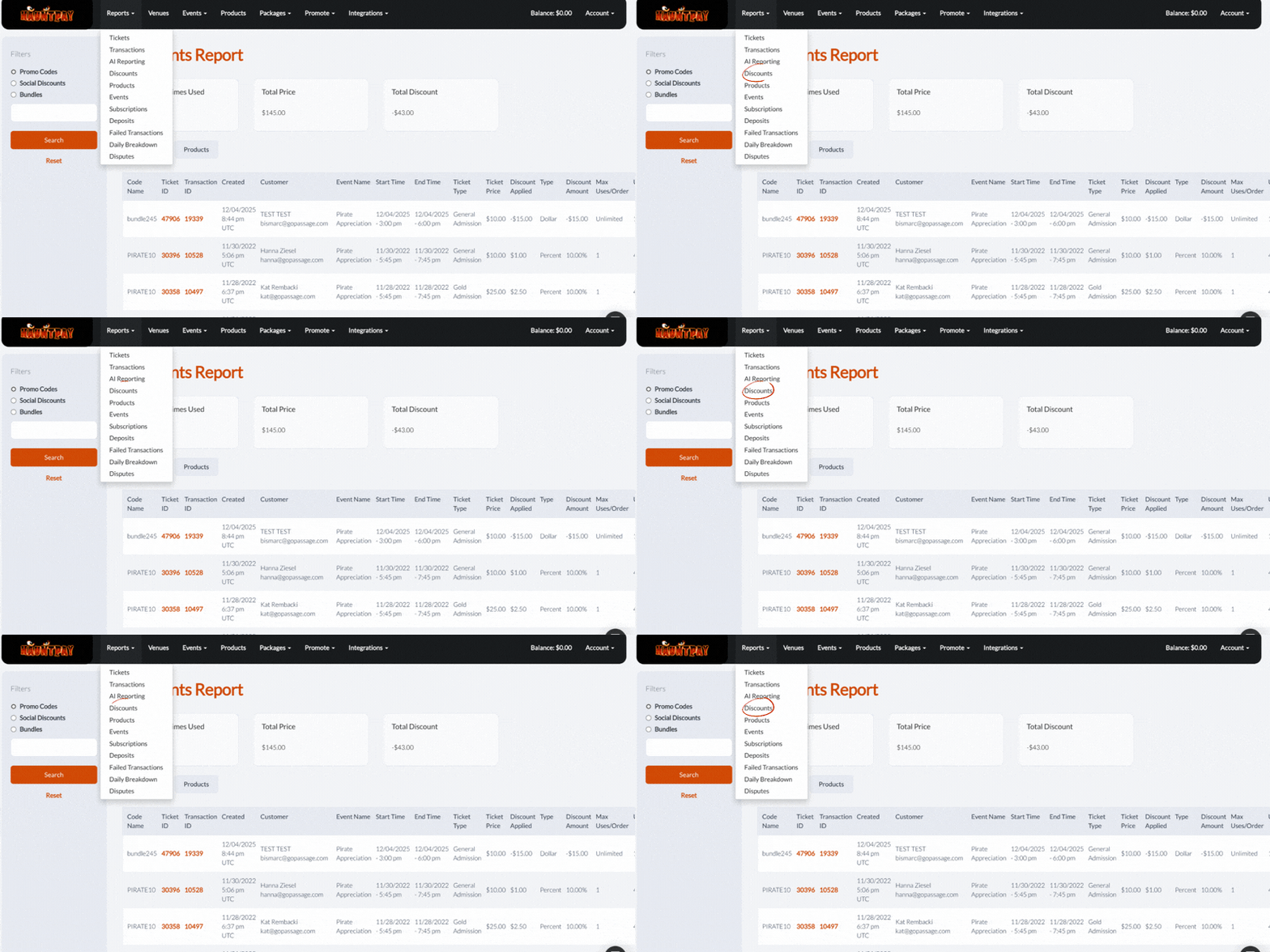
- How to Run It: The Discounts Report allows you to see the “Total Discounted Amount” versus the “Total Ticket Price” generated.
- Pro Tip: If a local partner’s custom code hasn’t been used in a week, reach out! Give them a fresh, bone-chilling graphic or a new talking point to help them promote your haunt more effectively.
5. The “Scream Team” & Redemption Forecast
- What It is: A comparison of your current sales against your historical attendance rates to predict how many people will actually show up at the gate.
- Why It Matters: Over-staffing and slow-moving admission lines are the two biggest budget killers. By understanding your redemption rate, you can schedule exactly the right number of scanners, actors, and security staff.
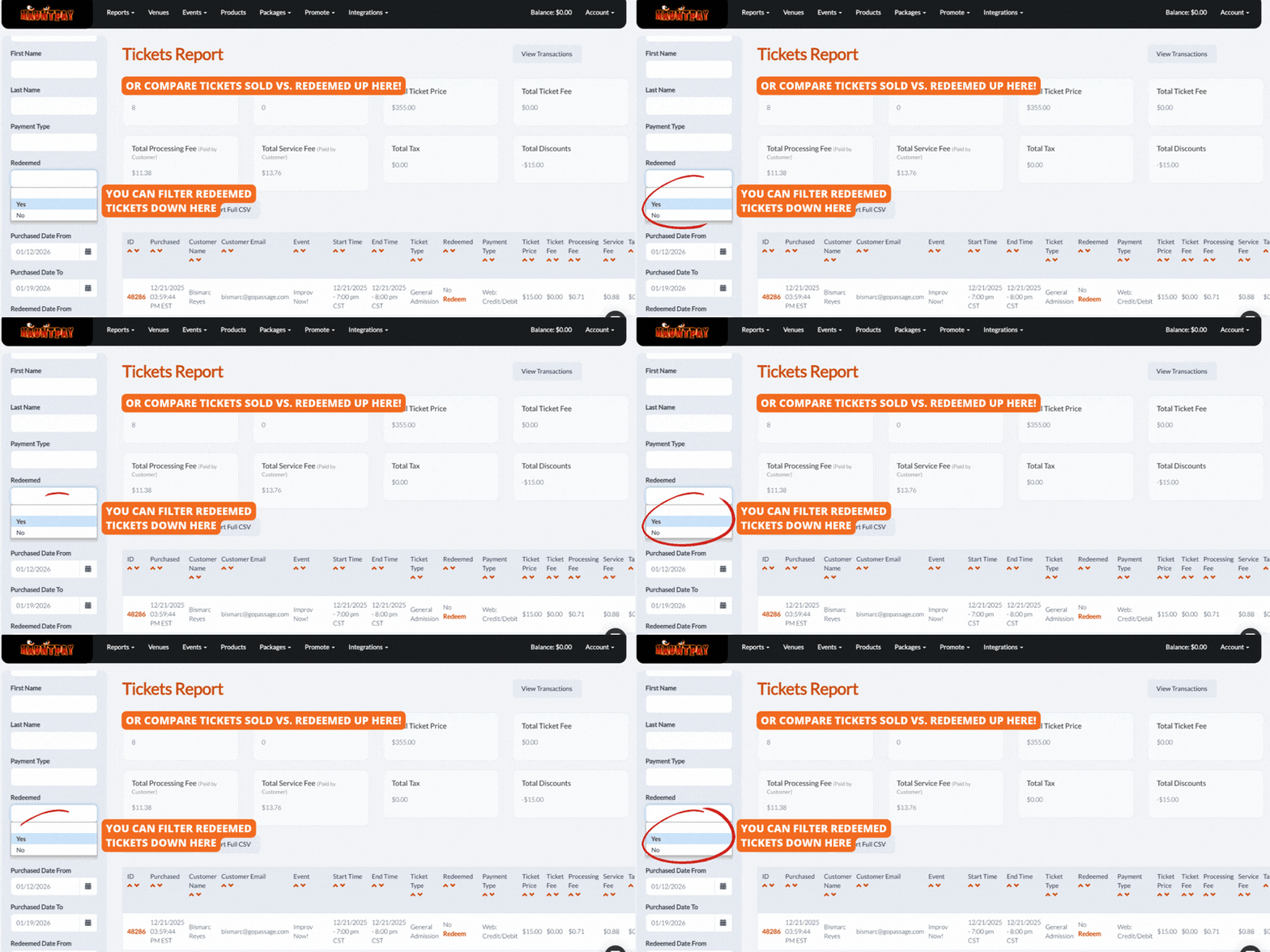
- How to Run It: 1. Total Sales: Check your Upcoming Events page or Tickets Report to see your total “Tickets Sold” count. 2. Historical Attendance: Run a Tickets Report for a past similar night (like a rainy Friday, or the same week last year) and set the Redeemed filter to “Yes.” Compare the “Total Redeemed” number to the “Total Sold.”
- Example: If you usually see an 85% redemption rate and you’ve sold 1,000 tickets for Saturday, you should staff for 850 guests.
- Pro Tip: Use the boxes at the top of the Tickets Report to quickly see the total “Redeemed” vs “Sold” numbers at a glance.
Data is Your Secret Weapon
The best haunt owners aren’t just lucky. They’re informed. By making these five reports a part of your Monday morning routine, you’re not just looking at numbers; you’re looking at a roadmap for your haunt’s success.
Ready to dig into the data? Log in to your HauntPay Admin Panel now and pull your first report of the week.
- Need help unearthing these reports? Our support team is dying to help! Drop us a line via email, phone, or chat.
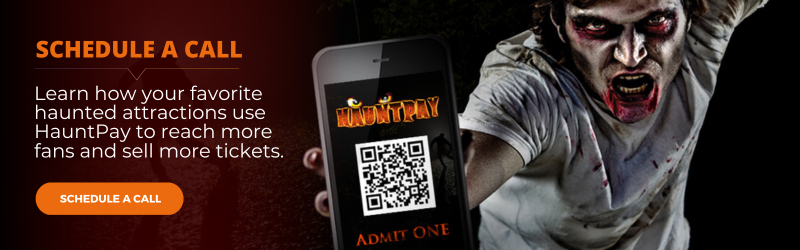
- Not using HauntPay yet?Schedule a no-pressure, 15-minute call with our team to see how our all-in-one reporting can help you sell more tickets and grow your attraction.
